Free Hot Prints Photo Book

Free Hot Prints Photo Book

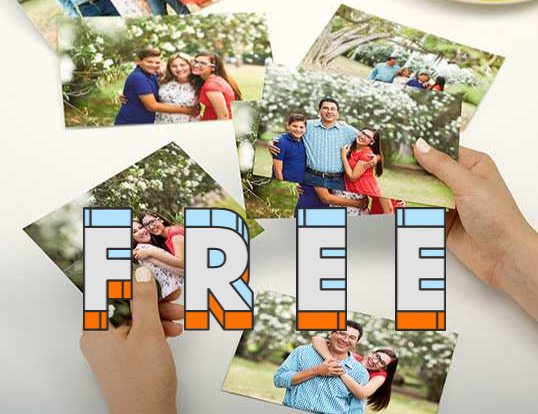
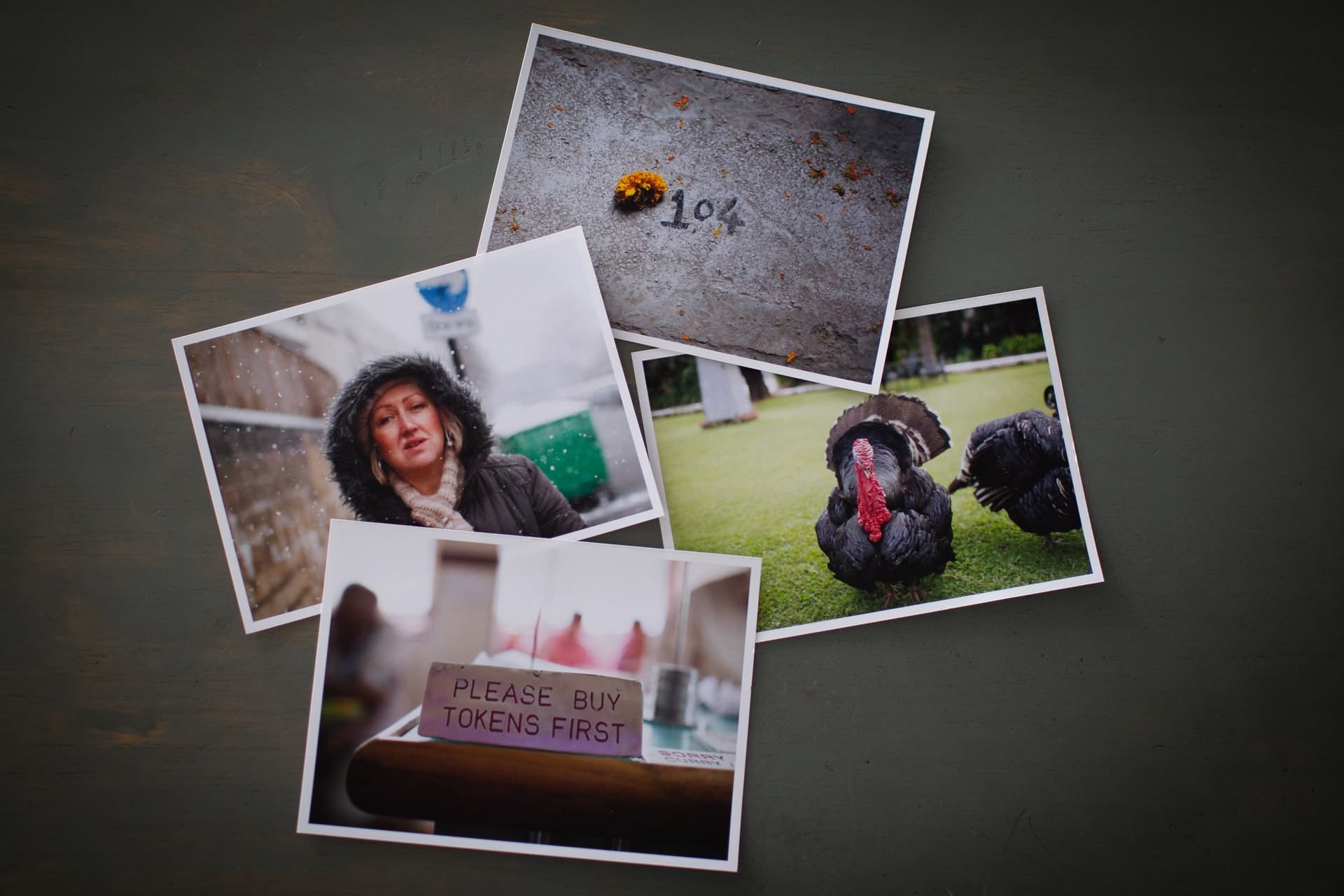
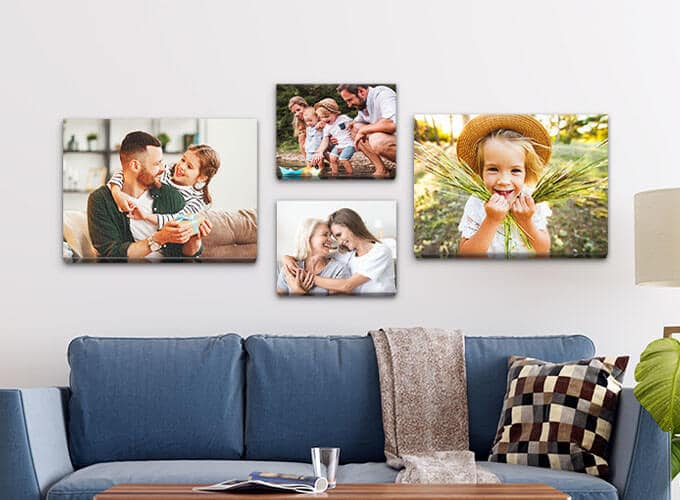
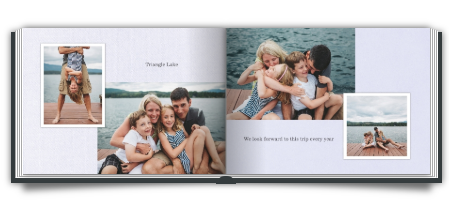
We’re almost halfway through May and do you know what I’ve forgotten to post? This month’s free Hot Prints photo book offer! I’ve gotten two of these so far and while they’re not the absolute best quality, they’re nice to have as little keepsakes.

I made one last month with pictures of me making crazy faces. The final page says “now turn around” and when the person reading it does, I’m right there making a creepy face to scare them. It’s the perfect way to cap off a lovely date night!


:: 21 Comments About This Freebie ::

  1. #1 freemama |

    Please enter the correct reCAPTCHA words…every time i try n sign up for the free picture book it doesnt go thru and tells me Please enter the correct reCAPTCHA words,i dont see the captcha to even type it..bahh

  2. #2 hockeymom |

    I’m having the same problem with it asking for the correct reCAPTCHA words. I’m runniong IE8 on a Windows 7 laptop. Any suggestions?

  3. #3 jenna |

    I’m having the same problem same pc set up as well

  4. #4 jenna |

    Try opening the page in another window. I got it to work but
    I really have no idea how.

  5. #5 Megan |

    I try this all the time, but it never works. It just tells me something went wrong when I try to sign up.

  6. #6 Jenn |

    I have the same problem.. tells me “Please enter the correct reCAPTCHA words”… not exactly sure what that means… I’ve tried signing up for this like 3 months in a row! :)

  7. #7 Jenn |

    OK… just opened a new window and typed in hotprints.com instead of clicking on the link through this website, and it worked ??? Not sure why.. but it did :)

  8. #8 Susan |

    Just opened the new window and signed up from the signup link on the top of the screen. The reCAPTCHA words were then on the bottom of the screen.

  9. #9 jill |

    Just got mine, it took me awhile too, i had 2 confirmations in my e-mail.. it went through but didn’t know it! keep trying :) Thankx Goob, this was awsome!

  10. #10 RJ |

    Goob! My hero! I love it! Thank you sooo much! I’m a newly wed college kid and this site rocks!

  11. #11 T.B |

    Can’t wait to get mine to see how it turned out… Did it of all the kiddos doing silly things… TKS for sharing…

  12. #12 Barbara Marshall |

    you need to read the terms and conditions, then the Captcha thing will be on the bottom, after you click the box again.

  13. #13 Mary |

    I can’t sign up either because of the recaptha, I did find these directions but don’t know if they will help.

    What is reCAPTCHA? I’m trying to Sign Up but get an error message “Please enter the correct reCAPTCHA words.”
    We have recently added the ‘reCAPTCHA’ validation to our Sign Up to prevent spammers setting up fake accounts.

    This link shows what the screen should look like, with the reCAPTCHA box: http://www.screencast.com/t/OGNhZDEwM

    You should see an image at the bottom right of the screen, containing 2 words, and you need to type the 2 words that appear into the box, and then click ‘Sign Up’ and you should see the message in red ‘We have sent a confirmation email to your account…..”. When you get the email, you need to click on the link within that email and your account will be confirmed.

    If you don’t see a large reCAPTCHA box on the bottom right of the screen, just above the red “Sign Up” button, please try the following:

    Refresh the page in the browser
    Delete the browser cache (or “Temporary internet files”) and the cookies, close the browser and then open it again? That solves a lot of general problems with Internet Explorer.
    We have found some issues with reCAPTCHA and certain Internet Explorer versions. If using Internet Explorer, open a new tab (leaving the original tab open) and try again in the new tab. The reCAPTCHA image usually then displays OK.
    If you are using Internet Explorer, do you have another browser you can try, for example Firefox?

  14. #14 lorry |

    I got mine before gave it to my mom she loves it now im getting mine to,for me

  15. #15 Teia Jarvi |

    I got signed up but I guess you can’t create your book from iPhone. It made my debug console go balistic! Hundreds of errors. I’ve never seen anything like it. Guess I’ll have to try from mommys computer later

  16. #16 Suddz |

    i submitted my order, but some of the pics it said were low res. which was annoying. im on a mac so didnt have any issues with the reCaptcha or signing up.

  17. #17 nicole |

    It never works for me, either. weird.

  18. #18 Sue |

    Thanks for all the good info. I started following your posts last week and I already got my photo album. I love it, I’m going to do one every month! It took me a while to figure out the layout, but next month’s should go much more quickly. Keep up the good work, I’m all about bargains!

  19. #19 Jen |

    Already got mine. It’s really cute. Thanks for posting these freebies, and for making me laugh.

  20. #20 Rev. Robin |

    If your pics are coming up with a warning “too small…” just resize the picture by picking a different layout- that’s all. (there are several to choose from-doesn’t need to be a full page) It does take some getting used to but, once you’ve done it a few X’s, you’ll see, your albums will keep looking better and better. Take it from me, it used to take me approx. 3hrs. to make ONE BOOK!!(No kidding!!) Now, I can do one in about 45 min. BIG DIFF!

    ***USE CODE: free4friends to get another FREE BOOK***

    My family and friends LOVE getting these in the mail. They tell me “makes their day”

  21. #21 Chantel |

    As of june 1st we have to pay $2.99 shipping. But now we can make 4 books a month!!!


Leave a Comment